Little Island
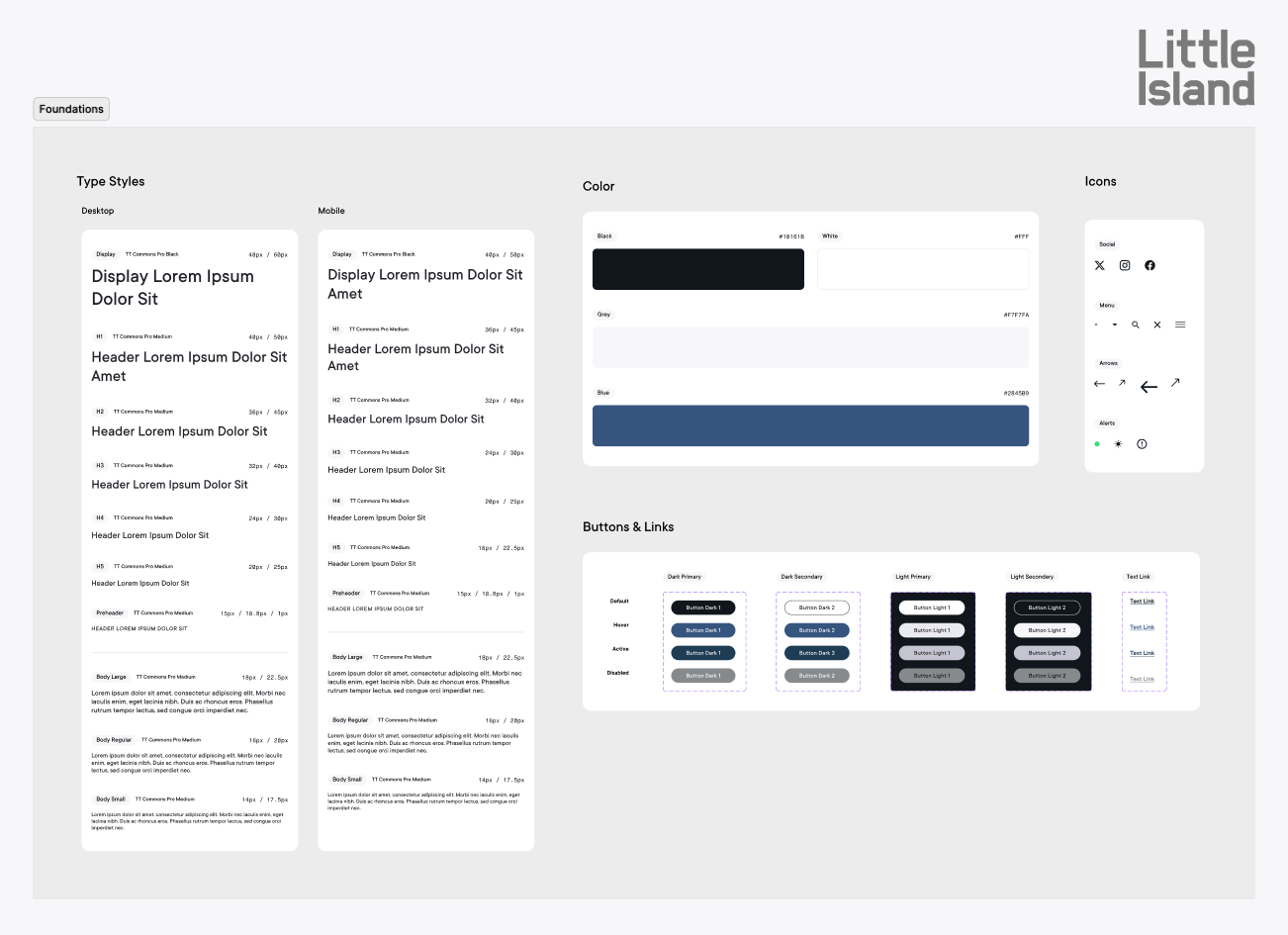
A light rebrand paired with a new design system and website to unify Little Island's digital presence, built around a complex events experience connecting performance listings and a live calendar to TodayTix ticketing.
Role
Visual Identity
Design System
Website Design
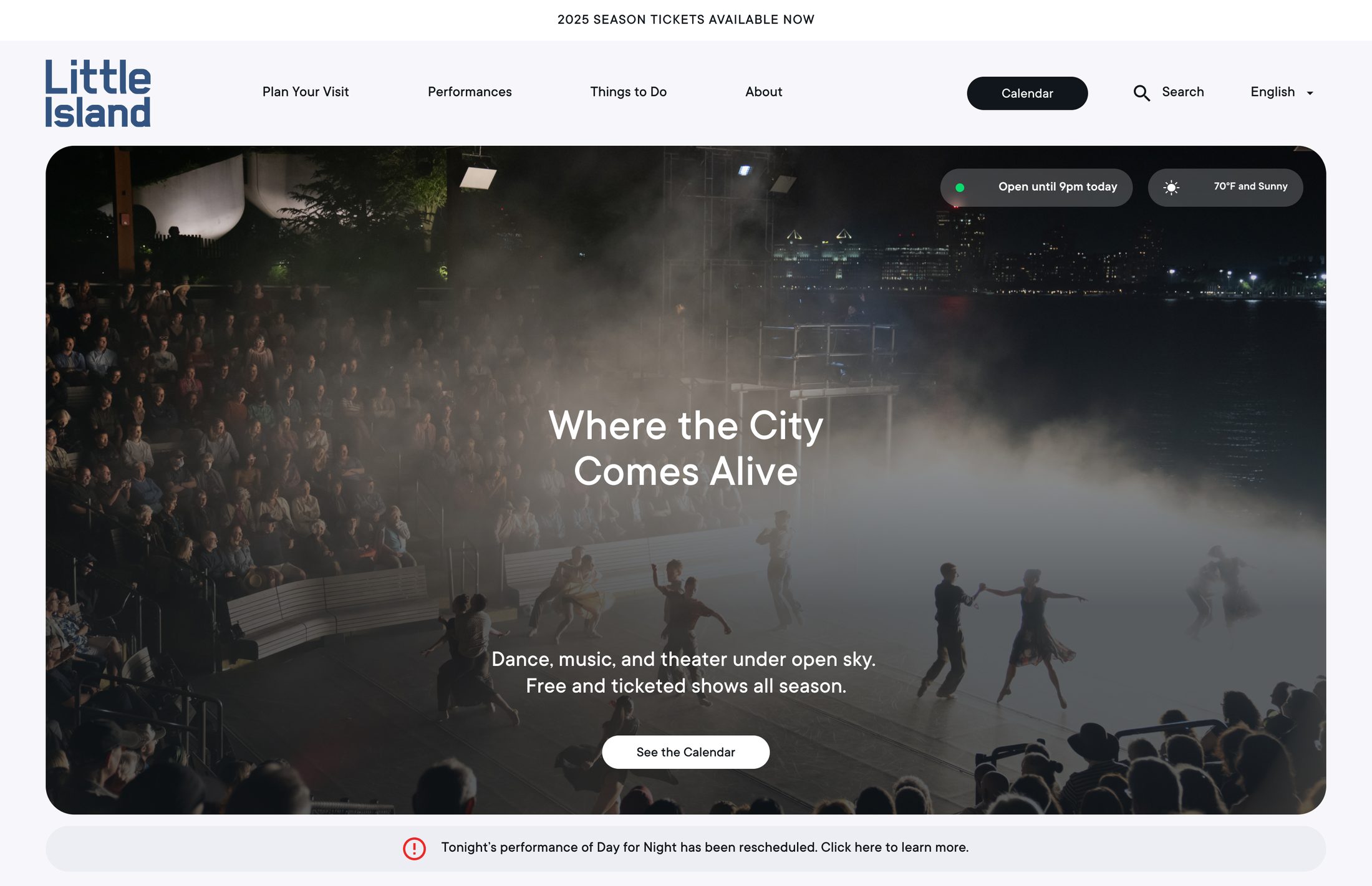
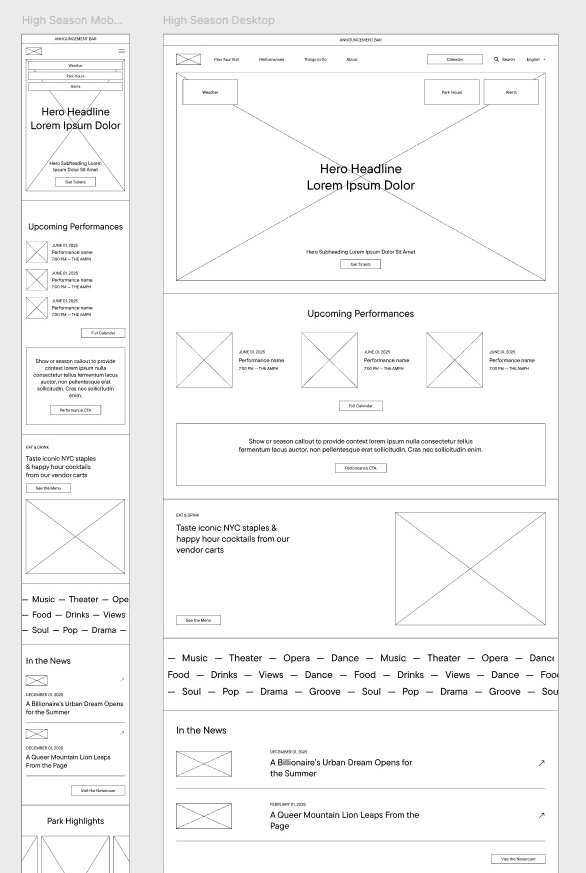
A flexible component system lets the homepage adapt to the season: the same hero, callout banner, and cards swap between promoting performances in high season and highlighting the park in low season.
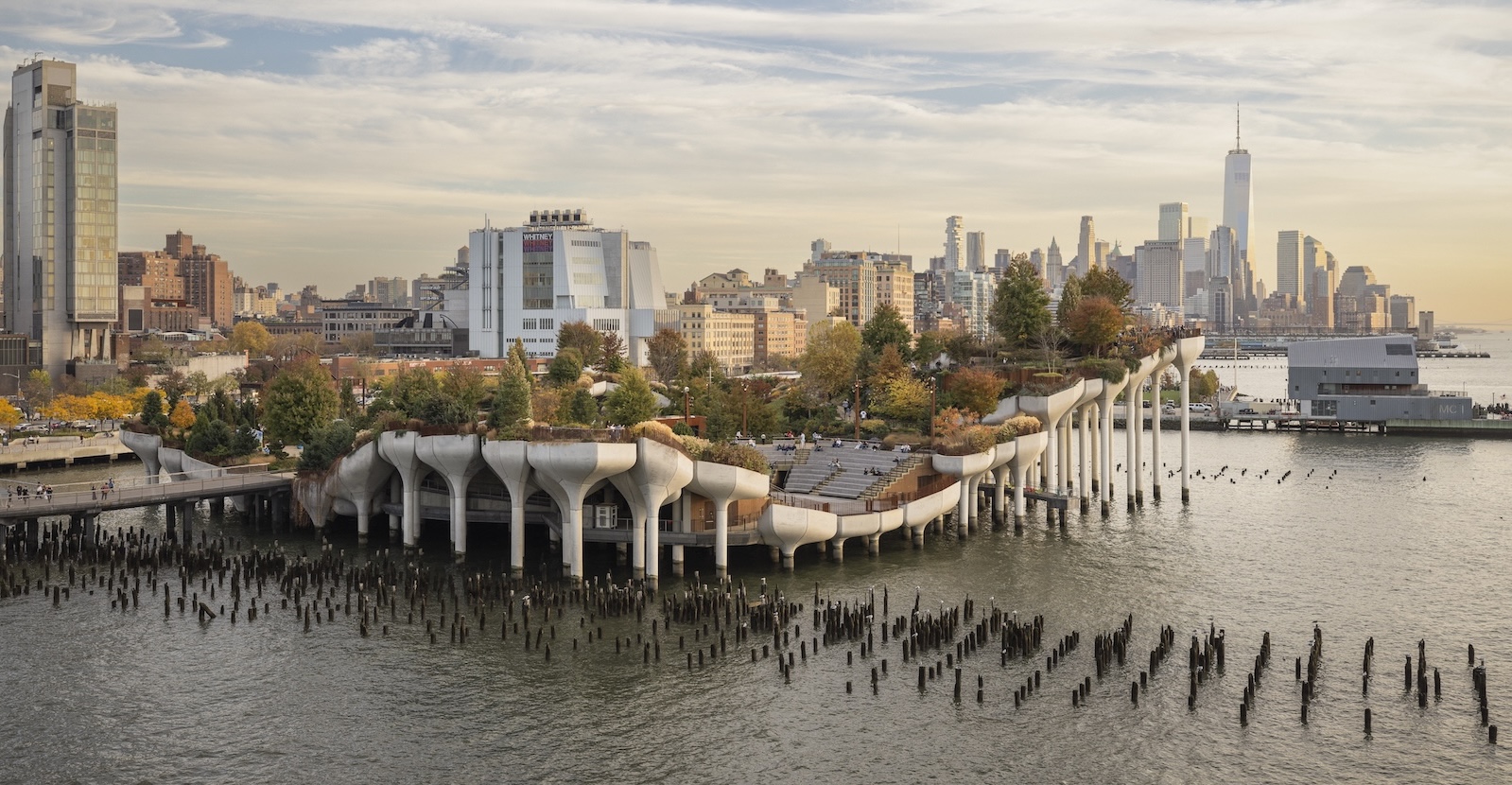
In low season the homepage leads with the park itself, then moves through food, program categories, park highlights, press, and a bird's-eye map.
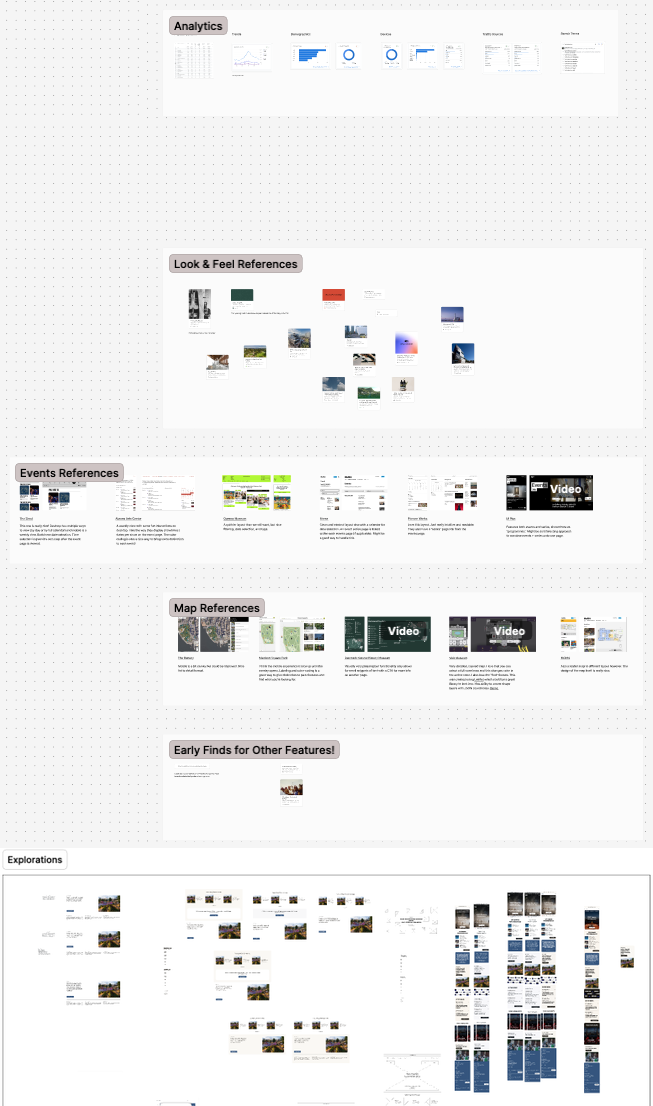 Early in the process. Lots of references, experimentation, and wireframing.
Navigation opens as a mega menu with photo previews on desktop and takes over the whole screen on mobile.
A complex events experience: a performance calendar, series landing pages, and event pages, all connected to TodayTix ticketing to streamline discovery and purchase.
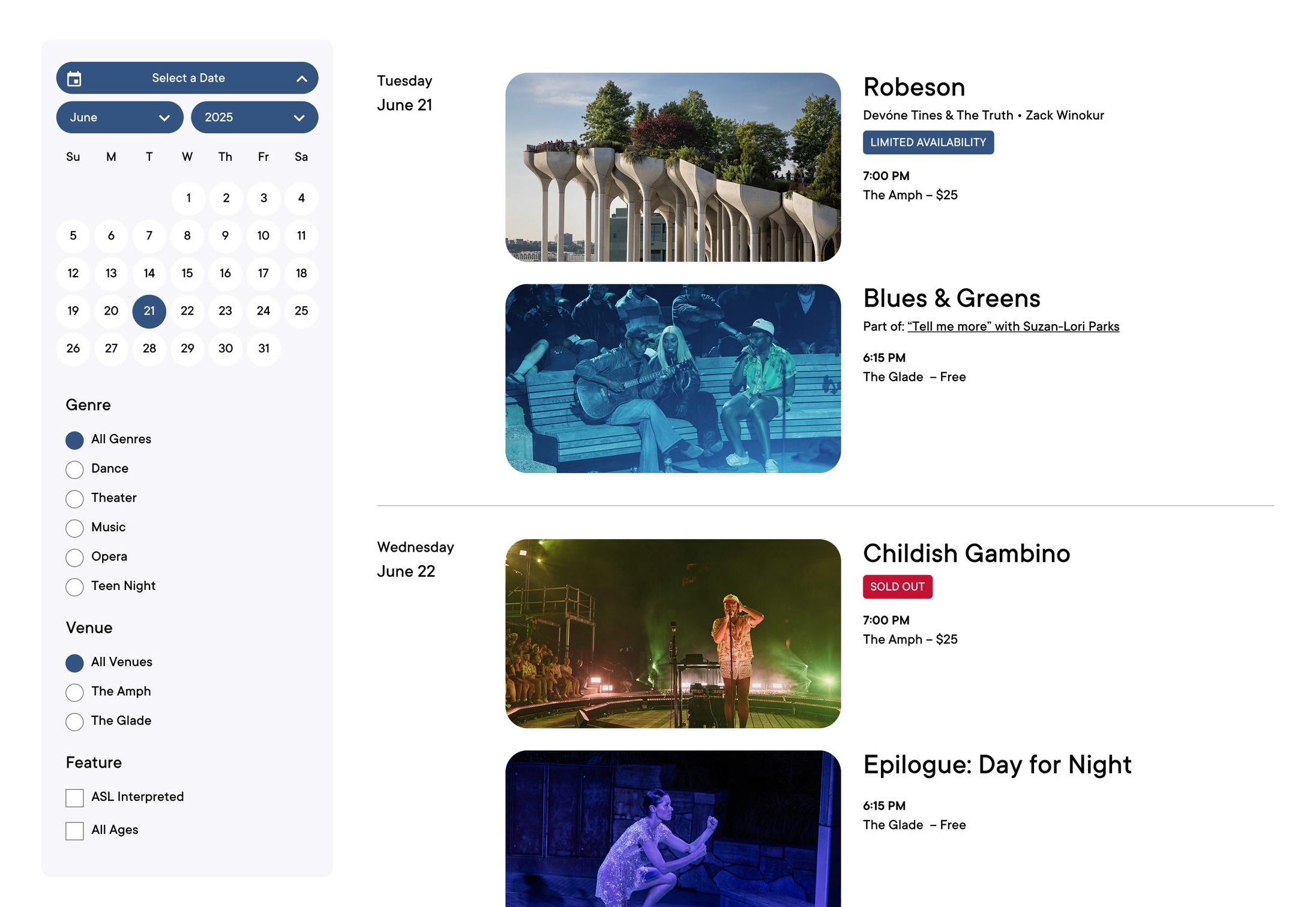 Visitors can jump to a date or filter by genre, venue, and ASL interpretation, with clear tags for limited and sold-out shows.
On an event page, tickets stay pinned as visitors explore.
Visitors can jump to a date or filter by genre, venue, and ASL interpretation, with clear tags for limited and sold-out shows.
On an event page, tickets stay pinned as visitors explore.
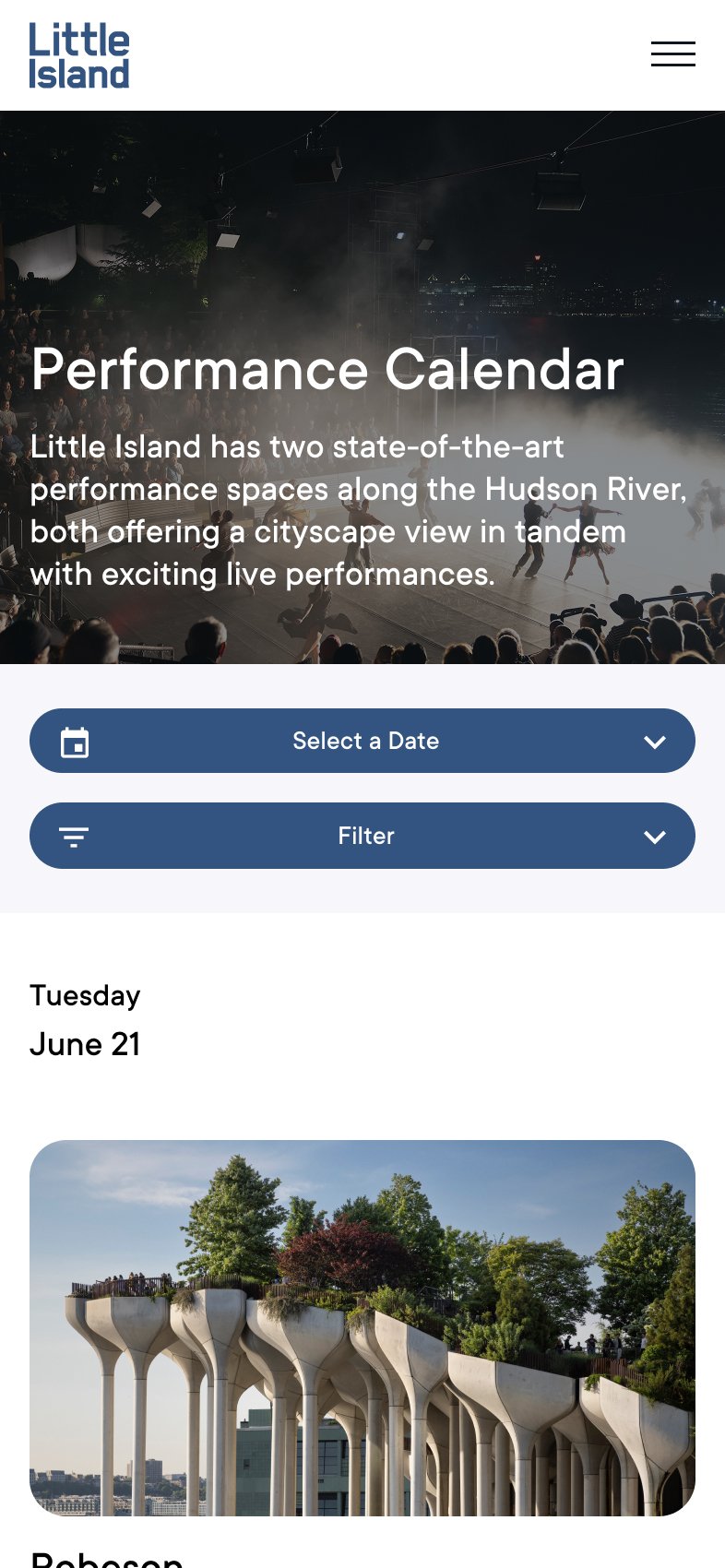 Two dropdowns for date and filters sit above a day-by-day list of shows.
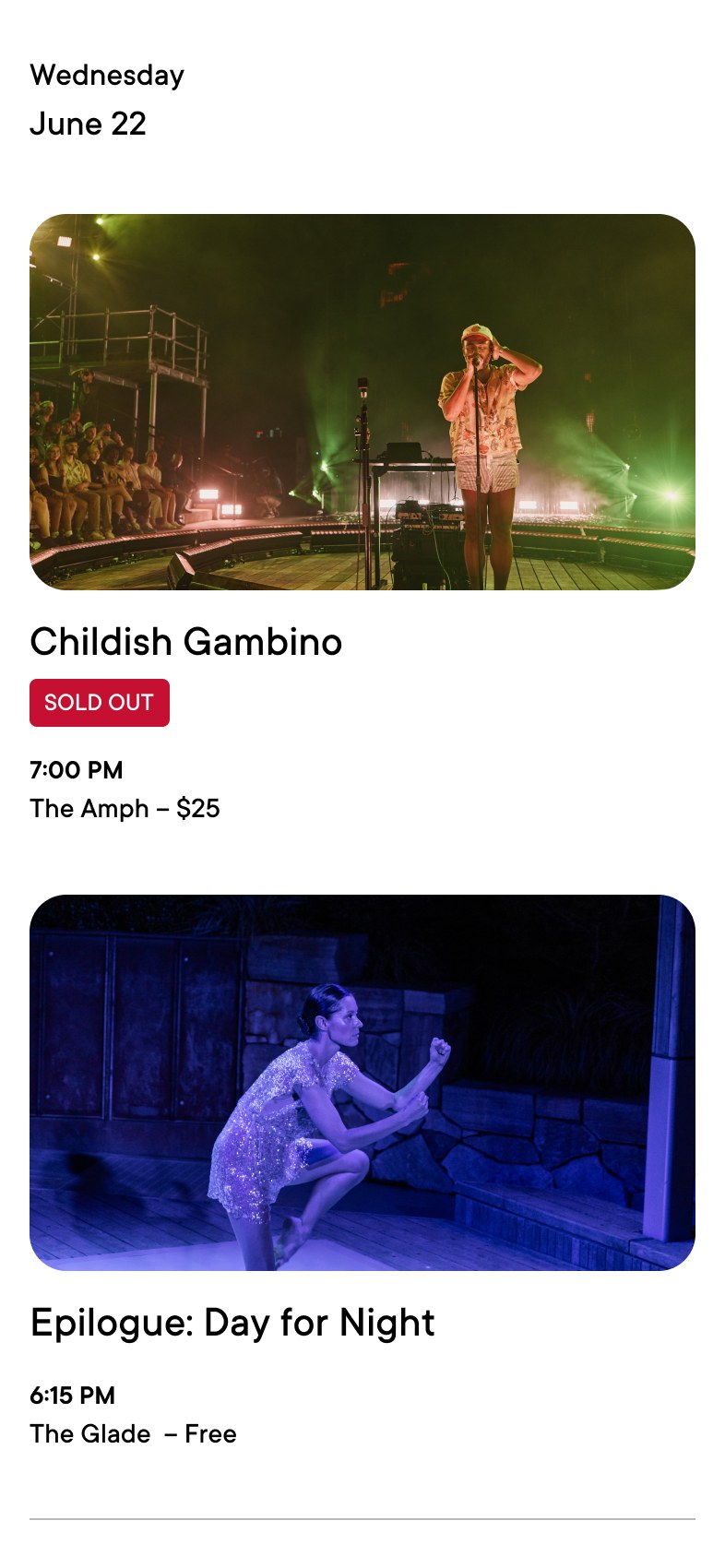 Each show in the list carries a photo, status tag, time, venue, and price.
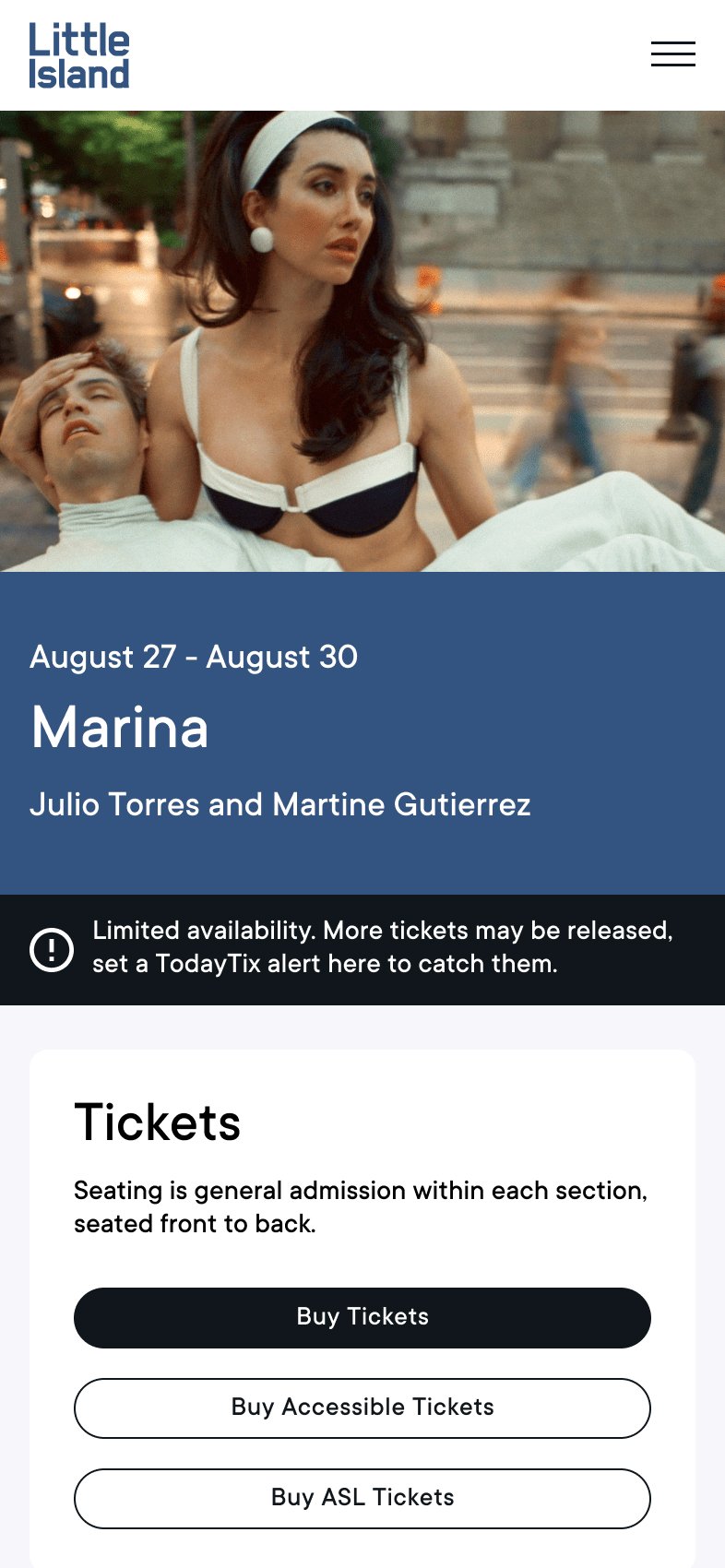 On the mobile events page, ticket options come first and switch to a sticky drawer at the bottom of the screen on scroll.
A light rebrand and a new design system tie the site together and allow for scalability.
Content pages utilize repurposable components available in the content library.
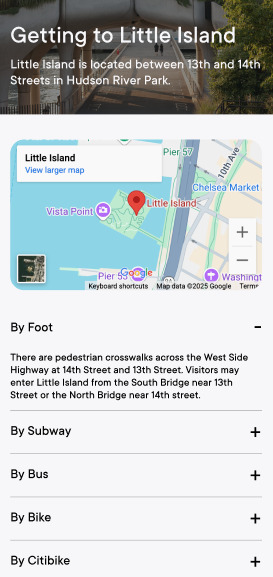 A map and expandable sections cover each way to arrive, from foot to subway to bike.
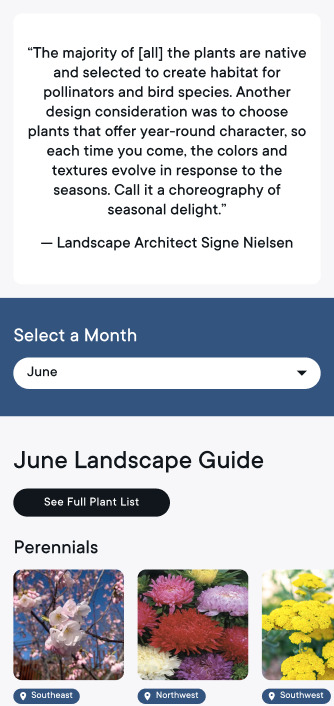 The plant guide is an interactive way to discover the landscape at Little Island through all seasons.
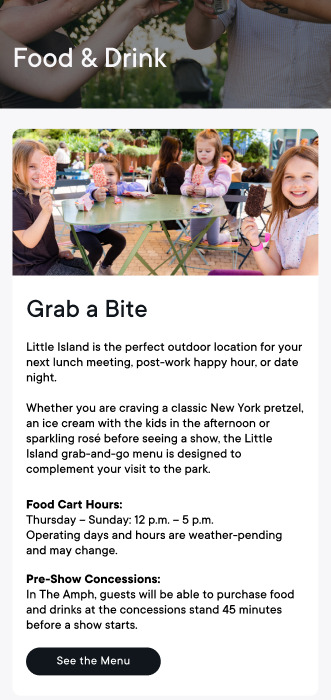 The Food & Drink page.